
❗️If you forgot your password:
-
Visit the EOnetwork.org login page.
-
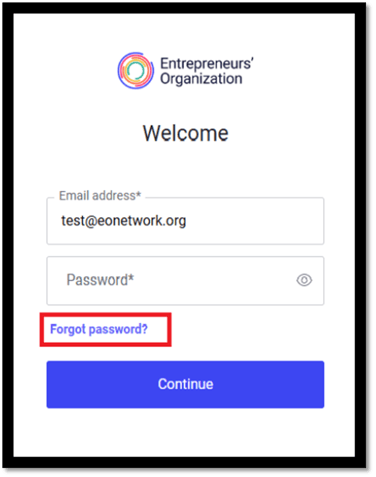
Click Forgot Password?
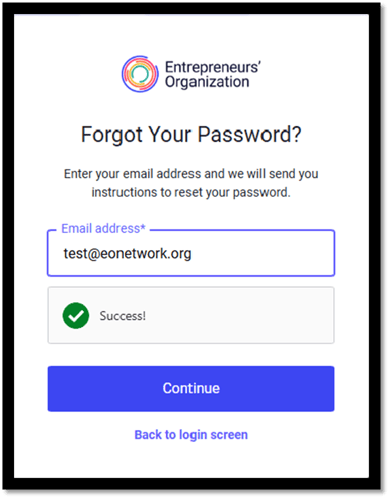
- Enter the email address linked to your EOnetwork.org account, then click Continue.
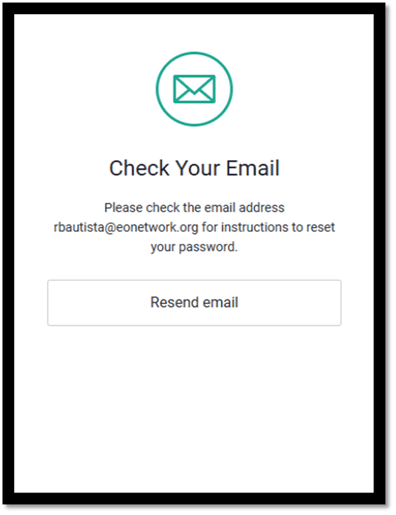
- Please check your email inbox for a password reset link.
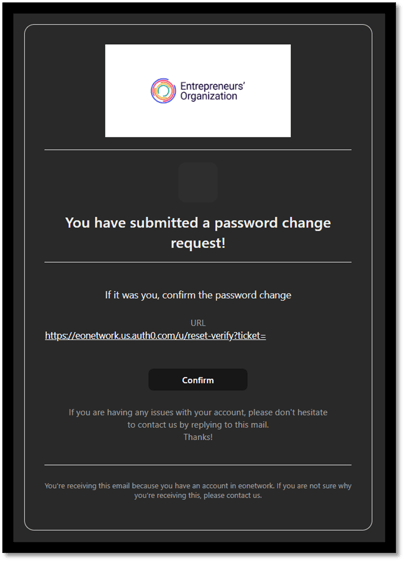
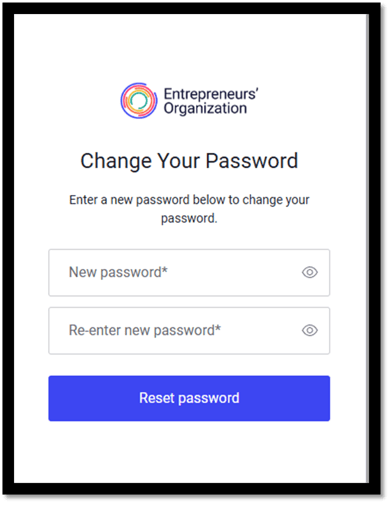
- Click the link in your email to set a new password for your EOnetwork.org account.
🔁 Tips
- Guide to Change Password
- Password must be at least 8 characters long.
-
- Password must contain at least one number.
- Password must contain at least one uppercase letter.
- Password cannot have more than two identical characters in a row.
- Password must contain at least one special character (! @#$%^&* ).
-
If you continue to experience issues, please contact our team at eocomms@eonetwork.org for further assistance.