
🛠️ How to Change Your Profile Picture
- Go to the EOnetwork.org and log in.
- Click on the drop-down arrow beside your name in the top right corner.
- Select “My Profile” from the dropdown menu.
- Next, select the box displaying the image logo.
- It will redirect to the picture folder on the file explorer
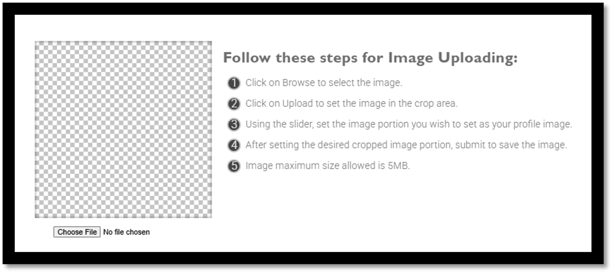
- Choose File will lead you to your local drive to upload your selected profile photo
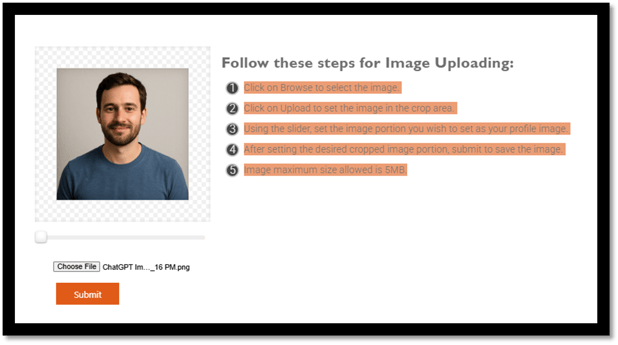
Follow these steps for Image Uploading:
-
- Click on Browse to select the image.
- Click on Upload to set the image in the crop area.
- Using the slider, set the image portion you wish to set as your profile image.
- After setting the desired cropped image portion, submit to save the image.
- Image maximum size allowed is 5MB.